Receipt OCR is not receipt verification. What AI receipt verification adds to a promotion.
OCR tells you what a receipt says, not whether it qualifies, whether you have seen it before, or whether the total is real. Where extraction stops and verification starts.

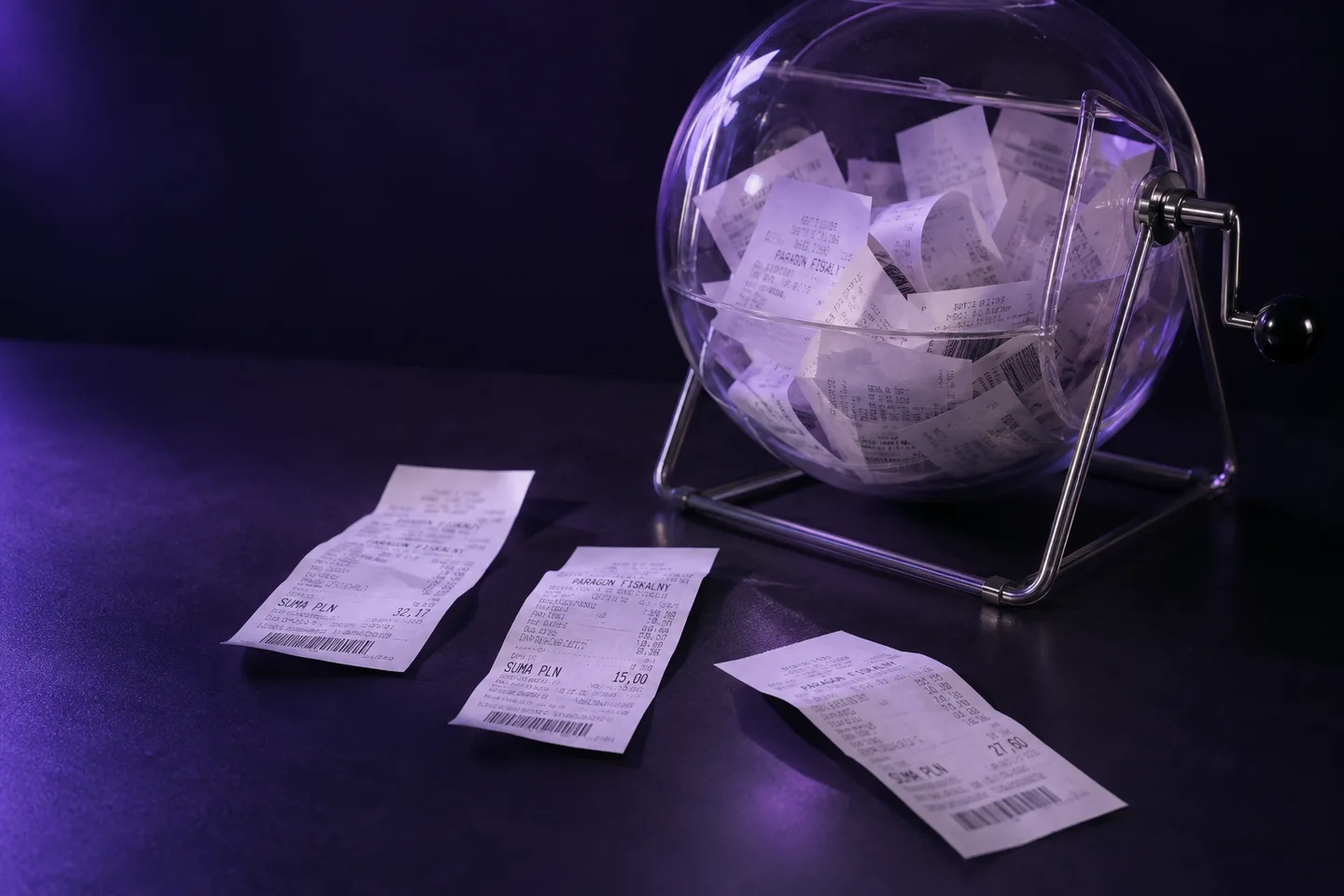
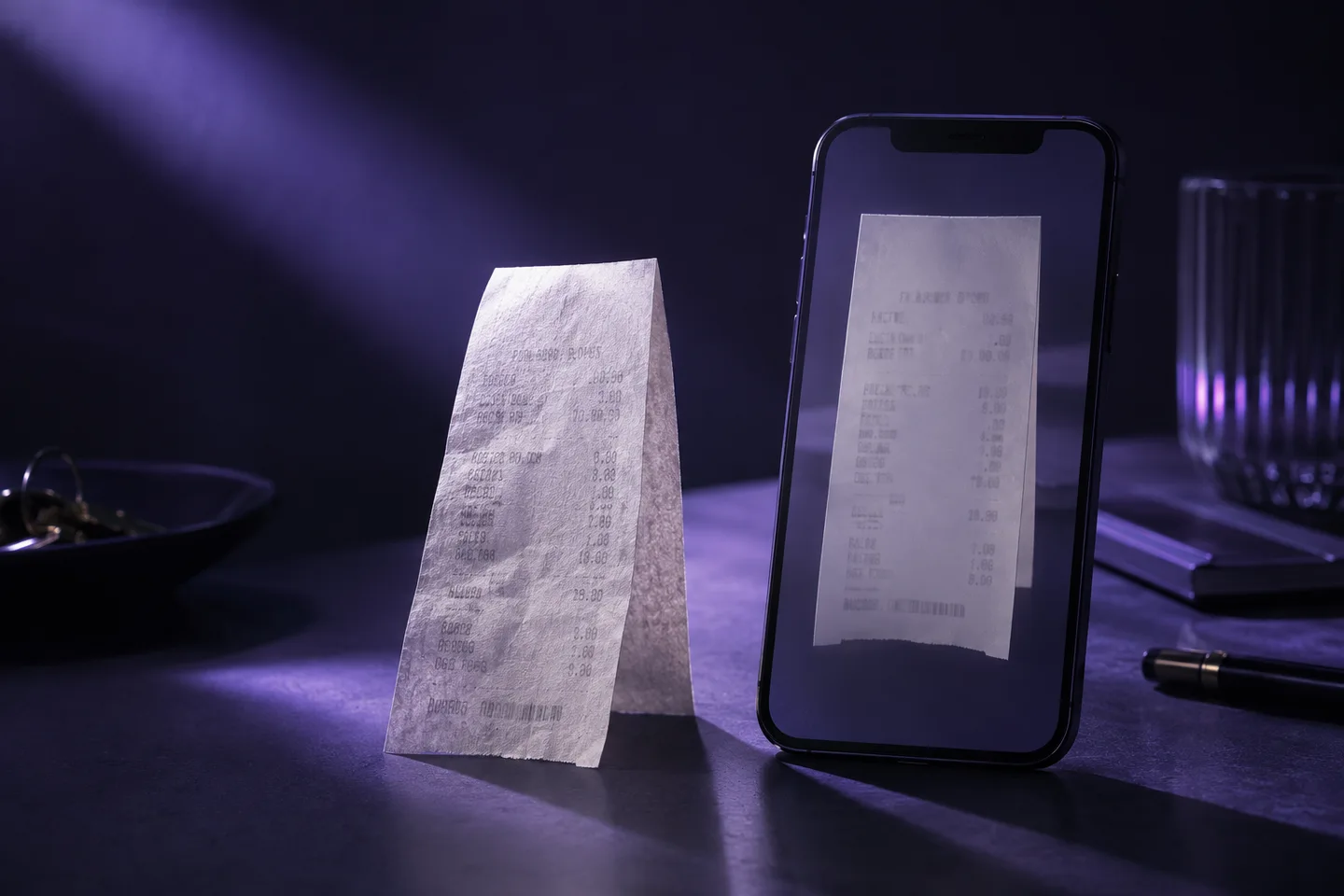
Every receipt-based promotion has a receipt OCR step somewhere, and most vendors sell that step as if it were receipt verification. A participant photographs a receipt, an engine reads the characters, and fields come out the other side. Merchant, date, total, maybe line items. Vendors quote accuracy for that step. 95 percent. 98 percent. The number is real and it is also almost beside the point, because reading a receipt correctly and deciding correctly about it are two different jobs.
What OCR actually gives you
Take a receipt from a discount grocery chain. Forty lines, thermal paper, photographed at an angle on a kitchen table. A good OCR engine returns something like this:
{
  "merchant": "Biedronka 4471",
  "date": "2026-09-04",
  "total": 87.43,
  "items": [
    { "name": "WODA GAZ 1.5L 6PAK", "qty": 1, "price": 11.94 },
    { "name": "CHLEB WIEJSKI", "qty": 1, "price": 4.29 }
  ]
}
That is useful. It is also where most receipt pipelines stop and hand the rest to a person. The person then answers the questions the promotion is actually about.
Is the water the promoted SKU, or the store brand that looks like it? Was the purchase inside the campaign window, and is that date the purchase date or the print date on a reprinted receipt? Do the line items add up to the total, or has one line been edited? Has this receipt been submitted before, from a different phone, cropped a little tighter? Has this participant already hit the limit in the terms?
None of these are OCR questions. They are verification questions, and they are the ones that decide whether money goes out the door.
Receipt OCR accuracy hides where the errors land
A 95 percent field accuracy sounds like one receipt in twenty needs a look. In practice the errors are not spread evenly. They cluster on exactly the receipts that carry risk. Faded thermal paper. Long receipts where the qualifying item is one line among many. Receipts photographed off a screen, which are often fraud. Receipts from small retailers with unusual layouts, which are where per-merchant templates fall over.
So the 5 percent that needs a human is not a random sample. It is the hard 5 percent, and a reviewer working through it is doing the most error-prone work in the pipeline under the most time pressure. Meanwhile the 95 percent that passed OCR cleanly gets waved through, and nobody checks whether it should have.
What AI receipt verification adds
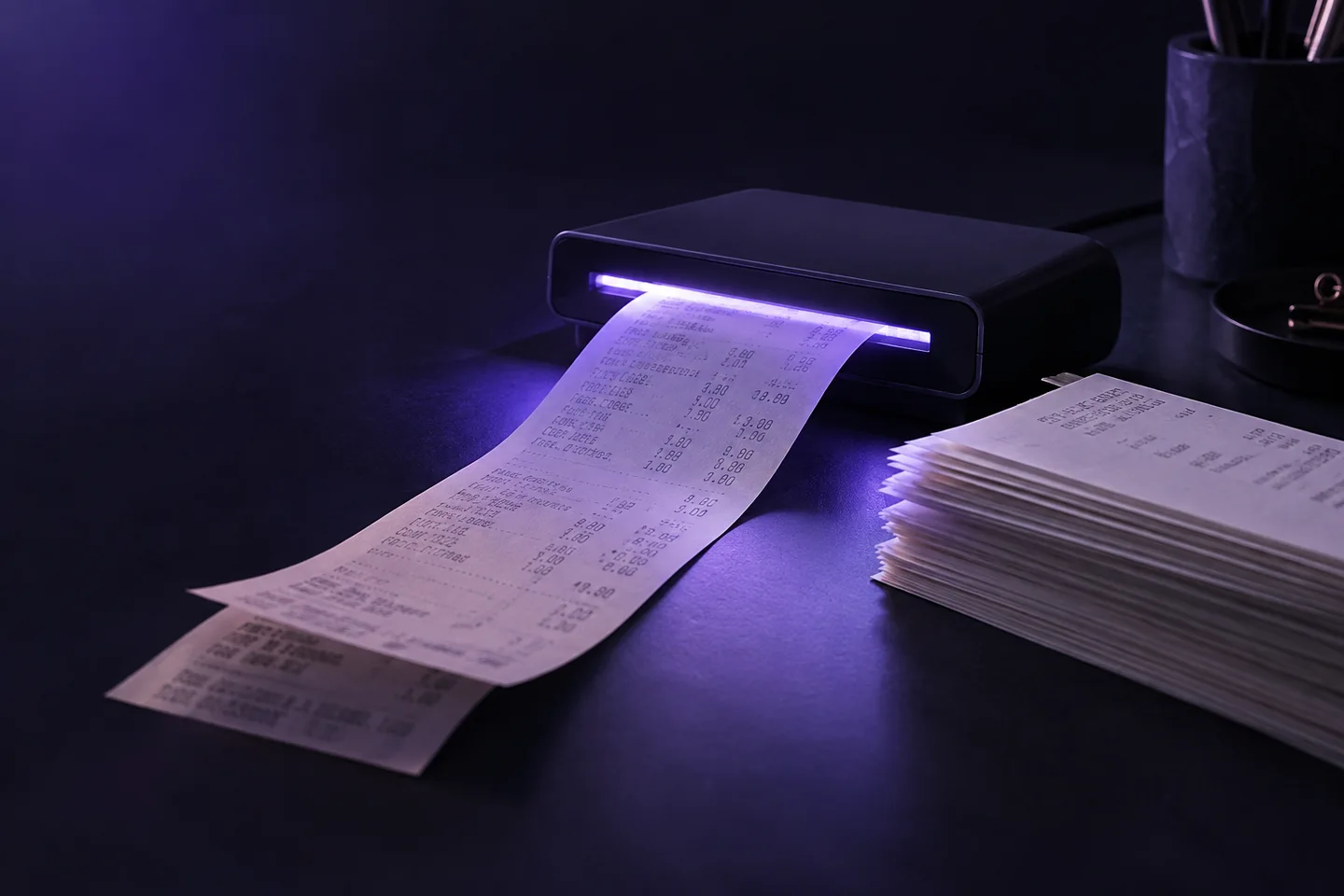
Verification takes the extracted fields and asks whether the submission meets the standard. Concretely, in the systems we build, that means four kinds of checks running on every receipt, not a sample.
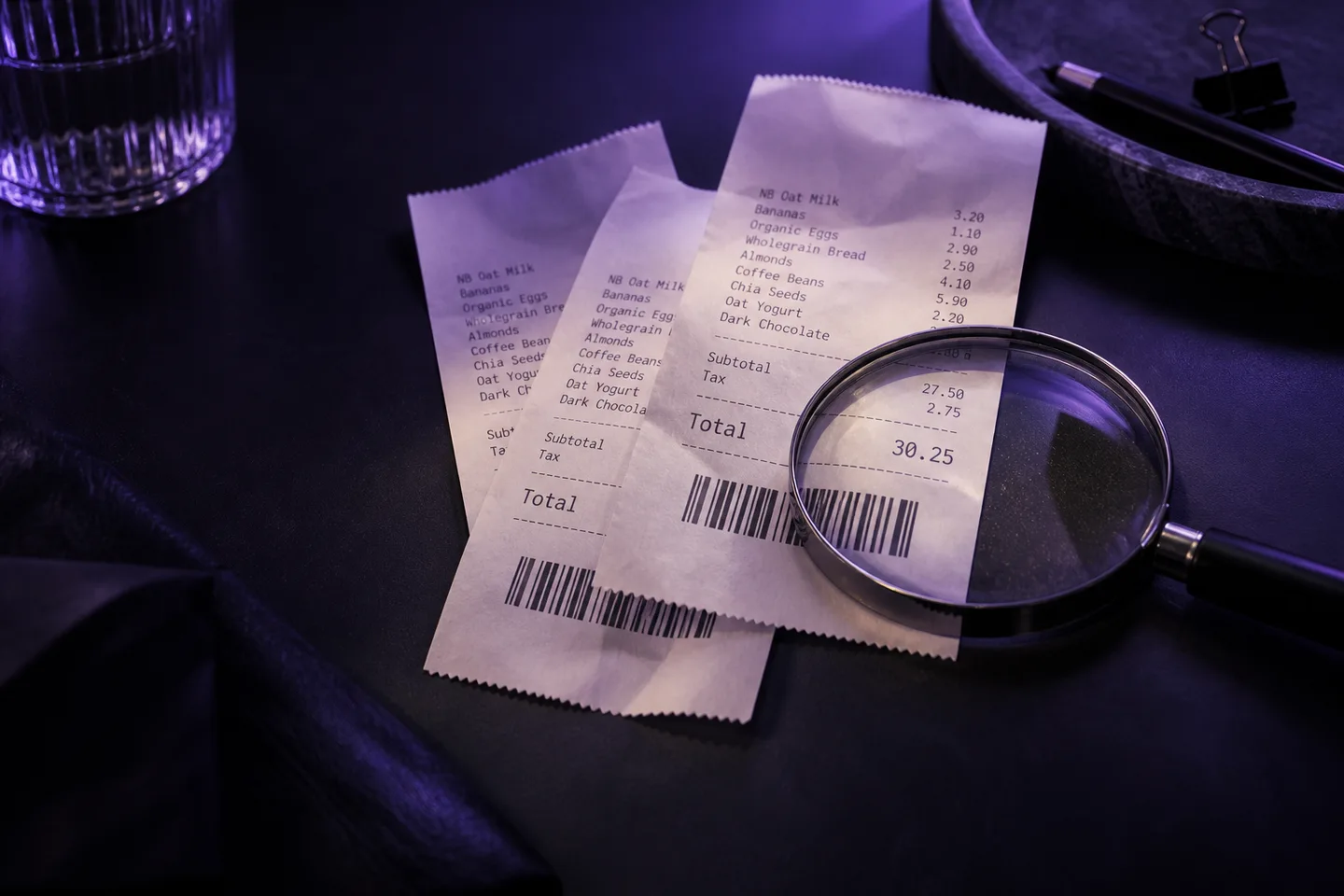
Rules written like the campaign brief. Purchase date inside the window. Merchant on the participating list. At least two units of a qualifying product. Line items sum to the printed total. Each rule returns a reason when it fails. A participant who is told “the purchase date is outside the campaign period” stops emailing support. A reviewer who sees “total does not match line items” knows what to look at.
Duplicate detection across the whole history. A perceptual hash of the image catches the same photo again after cropping, rotating, or recompressing. An identity fingerprint made from merchant, date, time, and total catches the same purchase photographed again with a different phone. Both run against every submission the workflow has ever processed, which is the part a human reviewer cannot do.
Per-participant limits. One payout per person, or whatever the terms say, enforced across the app, the web form, and the chat channel at once.
A quality gate before any of it. Blurry, dark, or cropped photos are rejected at capture time with an instruction to retake. They never reach OCR, never reach a reviewer, and in our case never reach the bill.
The verdict is the product: what a receipt verification API returns
The shift is easiest to see in what comes back through the API. An OCR product returns fields. A verification product returns fields plus a verdict plus the reasons.
{
  "verdict": "flagged",
  "reasons": ["duplicate_image: matches submission 8c21f (2026-09-02)"],
  "fields": { "merchant": "Biedronka 4471", "total": 87.43 },
  "confidence": { "merchant": 0.99, "total": 0.97 }
}
The reviewer opens that one. Everything with "verdict": "approved" posts to the loyalty platform without anyone looking at it. What lands in front of a person is the short list of receipts where a person changes the outcome.
What to ask a vendor
If you are evaluating receipt verification software for a promotion or a loyalty programme, the OCR accuracy figure is the least useful question you can ask. Better ones:
- What share of submissions gets a final decision with no human involved, and how is that measured?
- How are duplicates detected, and across what history? Per campaign? Per participant? Per image or per purchase?
- When a submission is rejected, does the participant get a reason they can act on?
- What happens to an unreadable photo, and do I pay for it?
- Can I write the campaign rules myself, or does every new mechanic go through the vendor?
Those answers describe a verification system. The accuracy number just describes its first step.
If you want to see the difference on your own receipts, book a demo and bring a handful, including the ugly ones.